
We Know the Home Manager—Inside and Out.
From the original touchscreen to the central control enclosure, Chaparral Controls understands how these systems were built, how they fail, and how they can be kept useful.
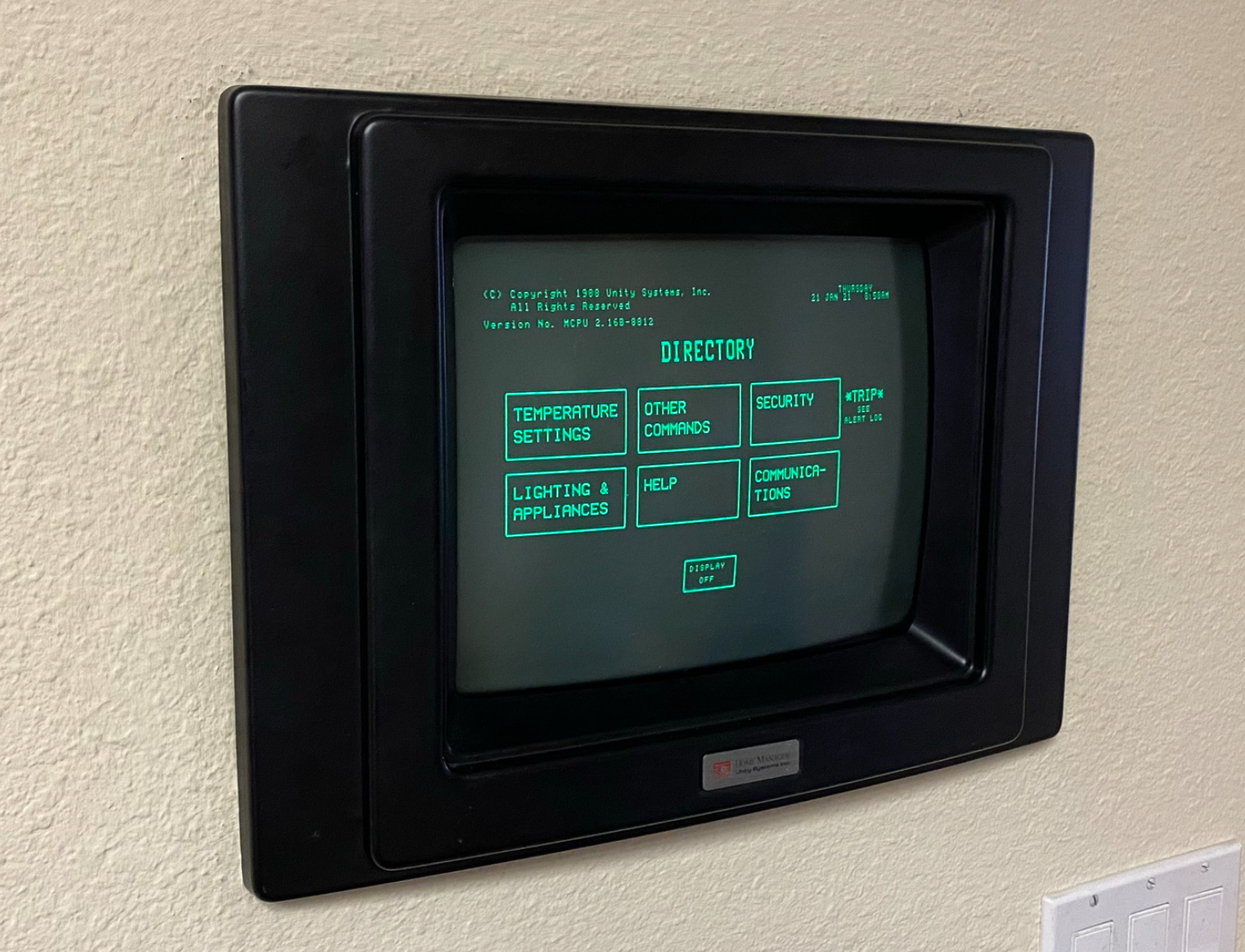
Integrated Home Control Long Before It Became Common.
The Home Manager was created by Unity Systems in Redwood City, California and first became available in 1985. It combined three primary functions: zoned temperature control, security/fire alarm, and lighting & appliance control. The system was operated from a 14-inch touchscreen.
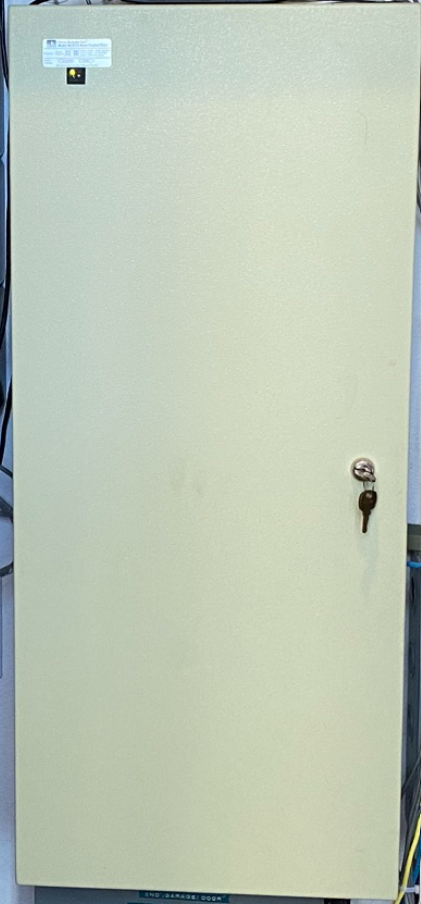
The Control Panel Is the Heart of the System.
Approximately 8,000 Home Manager systems were installed between 1985 and 1999 through about 120 dealers across the country. Unity Systems was sold in 1999 and the company was quickly shut down, leaving homeowners with sophisticated systems but no factory support.
The central enclosure contains the equipment that coordinates the Home Manager’s functions throughout the house.
The Touchscreen and Main Power Supply Deserve Special Attention.
As robust as the Home Manager system has proven to be, its primary weak links are the proprietary touchscreen and the main power supply of the control panel. Chaparral Controls can service existing systems and offer upgrade paths that improve control, ease of use, reliability and remote access.
REQUEST HOME MANAGER SERVICE →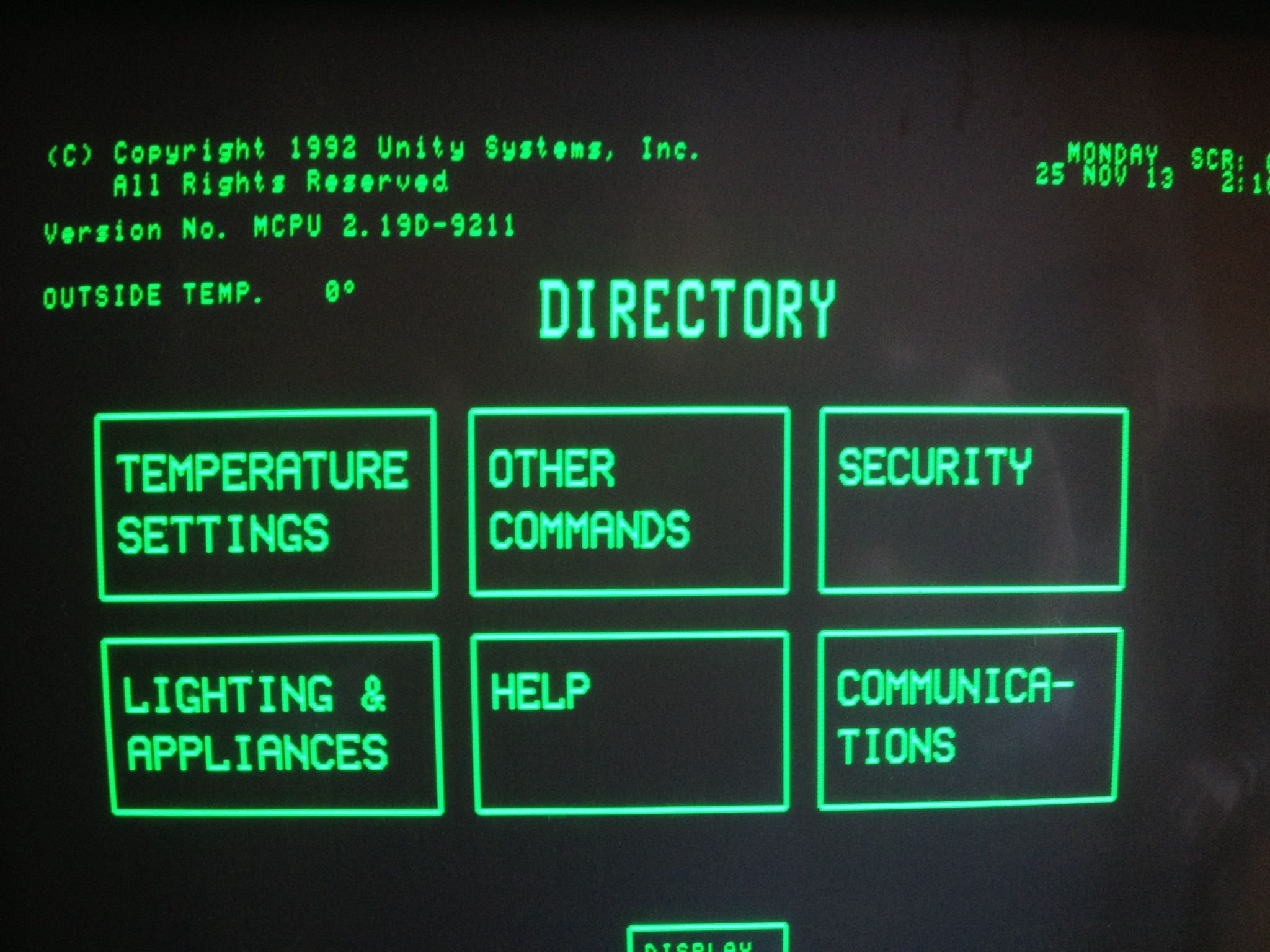
We Start by Figuring Out What’s Wrong.
Older does not automatically mean obsolete. We diagnose first, then recommend the repair, upgrade or modernization path that makes sense.